
- Features
- Resource
- Online PDF
- Download App
- Comparison
- Contact Us
- Pricing
 Summarize PDF
  Chat with AI
  Translate PDF
  Chat with PDF
  Chat with Image
  PDF to MindMap
  Scholar Research
  Paper Search
  Multi-file Chat
  Chat with DeepSeek
  AI Grammar Checker
  AI Paraphrasing Tool
  AI Spell Checker
  AI Story Generator
  Proofreader
  AI Writer
  AI Sentence Rewriter
  Email Writer
  Paragraph Generator
  AI Poem Generator
  User Guide
 How-to Videos
 FAQ
FAQ PDF to Word
  PDF to Excel
  PDF to PowerPoint
  Pricing for Individuals
 Pricing for Enterprise
 Pricing for Students
New from UPDF: IvyCraft — Create slides, documents & video from your PDF.
Try IvyCraft
Chat with Full
DeepSeek R1 Free Online
UPDF AI now features full integration with DeepSeek R1. Ask up to 100 questions—completely free.
Just enter your prompt and start chatting with DeepSeek on any topic now!
1

UPDF APP
Use AI and Edit PDFs in One App
Get the same UPDF AI tools, plus PDF editing, OCR, conversion, and file organization.
 4.8 (5000+ Reviews)
4M+Users, 215M+Chats, Trusted by Leading Media:






Why Chatting with DeepSeek in UPDF AI Stands Out?

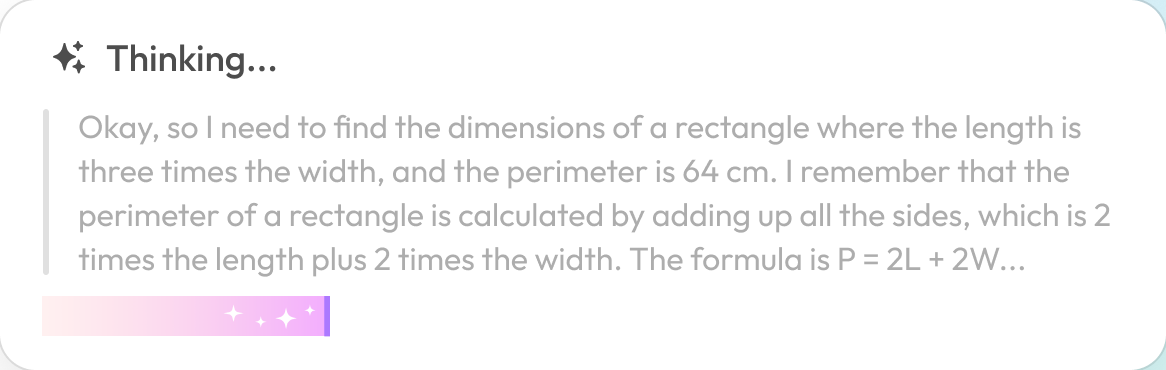



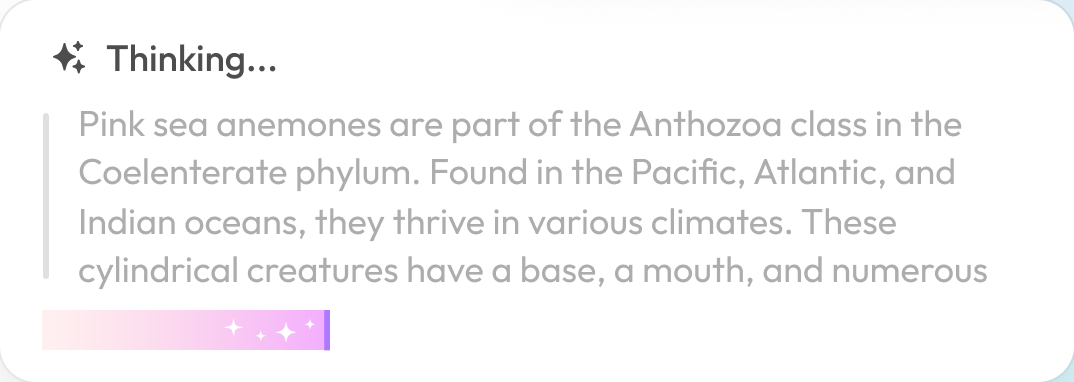

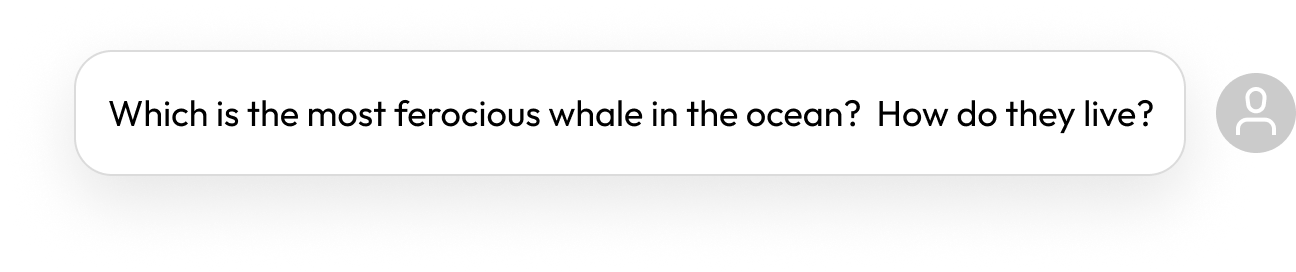
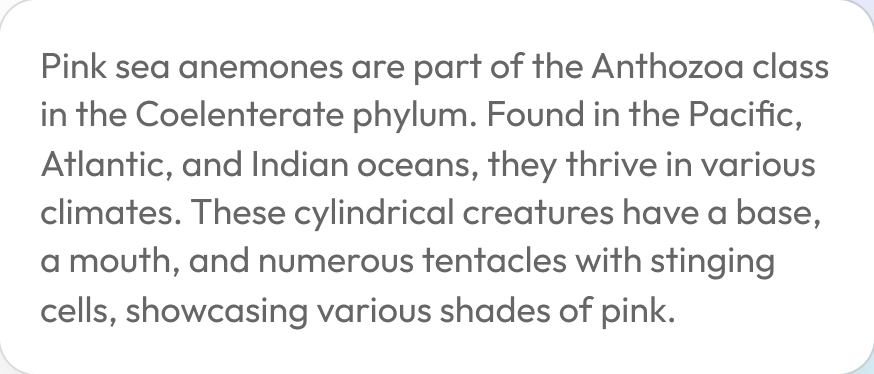


Powered by Full DeepSeek R1
UPDF AI is powered by the full DeepSeek R1 — the most advanced version of the model — giving you a smarter and more reliable way to chat with DeepSeek online. It delivers deeper prompt understanding, stronger logical reasoning, accurate math problem-solving, and high-quality code analysis. With DeepSeek R1 inside UPDF AI, every conversation offers unmatched accuracy, depth, and clarity.


Up to 100 Questions with No Cost
With UPDF AI, you can submit up to 100 prompts to DeepSeek R1 for free. It's an ideal way to chat with DeepSeek at no cost—perfect for completing smaller tasks or testing whether DeepSeek R1 fits your workflow before fully committing.
No Login Required (Online)
If you're not ready to share personal information, there's no need to worry. With UPDF AI Online's guest mode, you can chat with DeepSeek for free and completely anonymously—no account, no sign-up, and no personal details required.
Smarter than Basic Chatbots
In addition to the DeepSeek model, UPDF AI also includes the GPT-5 model, enabling you to chat with AI, interact with images and PDFs, convert PDFs into mind maps, and much more. Both AI models can help with homework, coding issues, writing tasks, problem-solving, and a wide range of work needs.
How to Ask DeepSeek Online for Free?
Chat with DeepSeek Without Login
Go to the DeepSeek chat page, type in your prompt, hit Enter, and UPDF AI Online’s DeepSeek model will instantly analyze it and deliver your result.
Ask DeepSeek with Login
Click the login icon in the top-right corner, sign in with your email, Google, or Apple. After logging in, type your prompt in the chat box and hit “Send.” DeepSeek in UPDF AI Online will analyze your input, show its reasoning, and deliver the final answer.

 Online
 App
AppNo Sign Up Required
Chat with AI
Chat with a single PDF
Chat with multiple PDFs
(Using combine and AI features)
PDF to Mind Map
Chat with Images
PDF editing, annotating, converting tools, and more.
FAQs About Using DeepSeek in UPDF AI